15 April 2026 ⋅ 5 min read
Zorin OS 18.1 Is Released
Faster, easier, more secure, and better than ever.
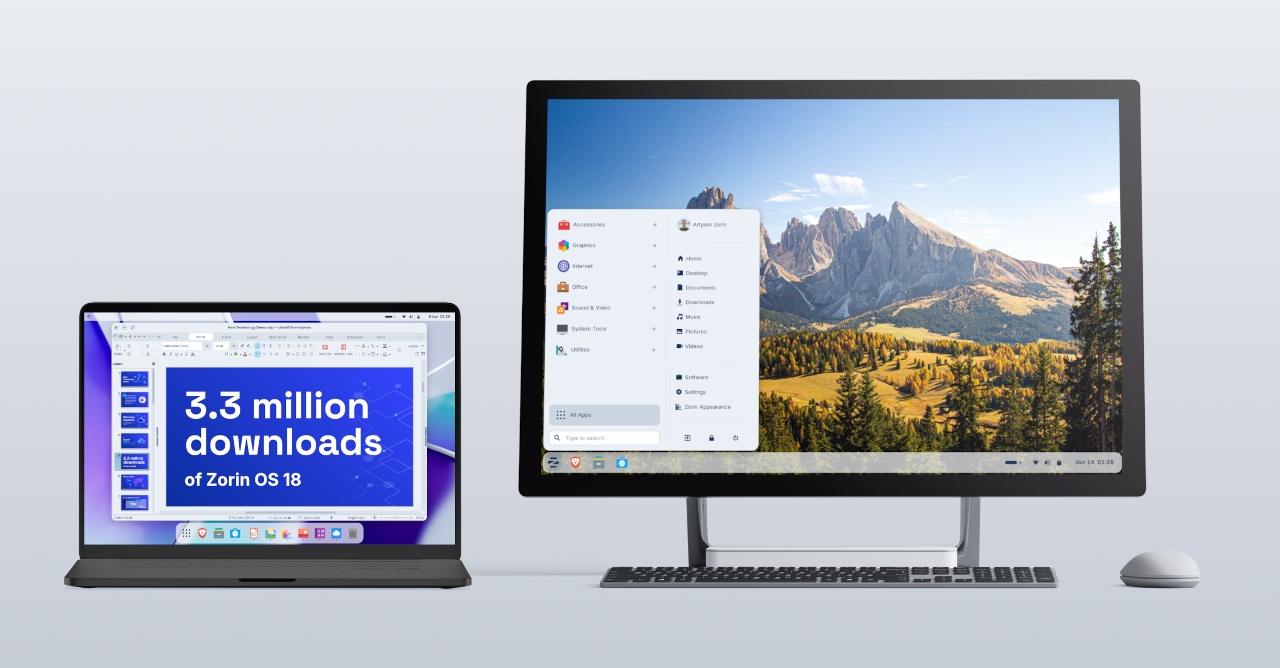
We’re thrilled to launch Zorin OS 18.1, just six months after the release of Zorin OS 18 and over 3.3 million downloads later.
It adds polish, new features, and better hardware support to our record-breaking version of Zorin OS. That means you’ll get an even better computing experience, whether you’re an existing Zorin OS user or you’re starting to make the switch from Windows.
What’s new
Suggested alternatives to more Windows apps
We’ve expanded our built-in database to detect installer files for popular Windows apps by more than 40%. It now supports over 240 apps, recommending even more tailored alternatives to sideloading their Windows executables.
For example, when you launch the Windows installer for an app like Plex, Zorin OS displays a dialog that directs you to the best way to use that app: installing its native Linux version from the Software store. It also suggests the closest native alternatives to many Windows-only apps, like Evolution Mail in place of Microsoft Outlook, for instance.
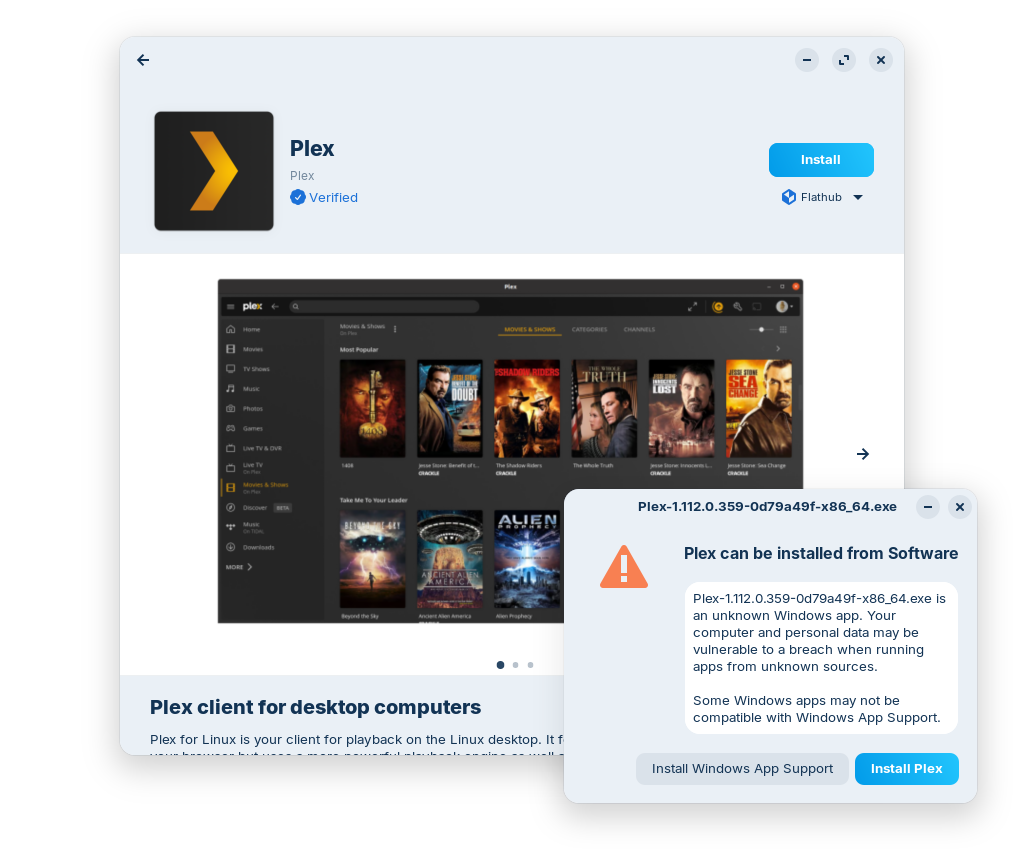
If you’re migrating from Windows, this means you’ll get tailored guidance on how to use the most compatible versions of your favourite apps in Zorin OS. It’s one of many reasons why Zorin OS is the ideal choice for Windows users making the switch.
Many improvements to the desktop
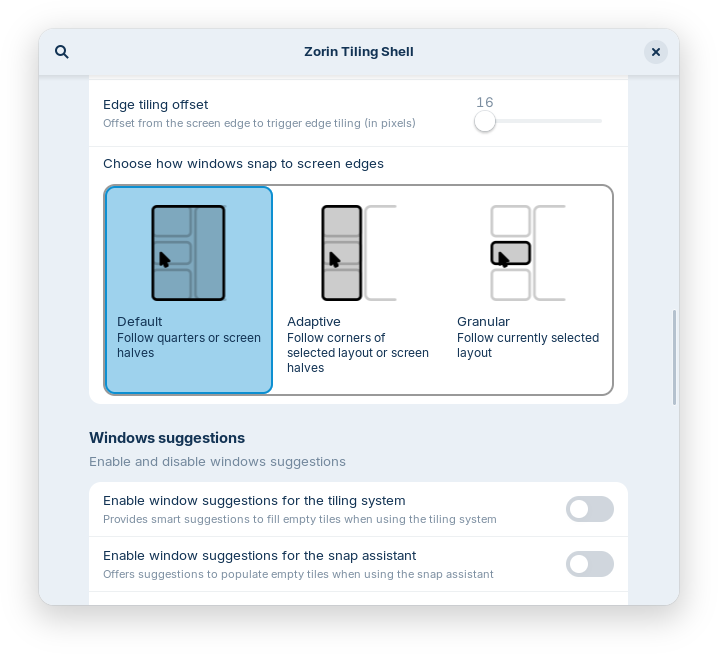
The Advanced Window Tiling feature introduces new options (accessible from the Zorin Menu → Zorin Appearance → Windows), including:
- Bring all tiled windows to the foreground together when switching to a tiled app from the taskbar or dash.
- Reorder tiling layouts from the edit layouts dialog in the Advanced Window Tiling settings.
- Enhanced edge tiling, allowing you to snap windows to your active custom tiling layout instead of only screen half & quarter tiling.
The panel now works seamlessly with right-to-left scripts. That means if you’re using Zorin OS in a language like Arabic, Hebrew, or Urdu, your taskbar and panel layout will display right-to-left to match the rest of the system’s interface.

Some apps might display their own indicator icon in the panel tray, allowing you to view the app’s status or quickly access its functions. To let you decide if and how they’re displayed, we’ve added a toggle for “Tray Icons in the Panel” and settings for them to the Interface section of Zorin Appearance.
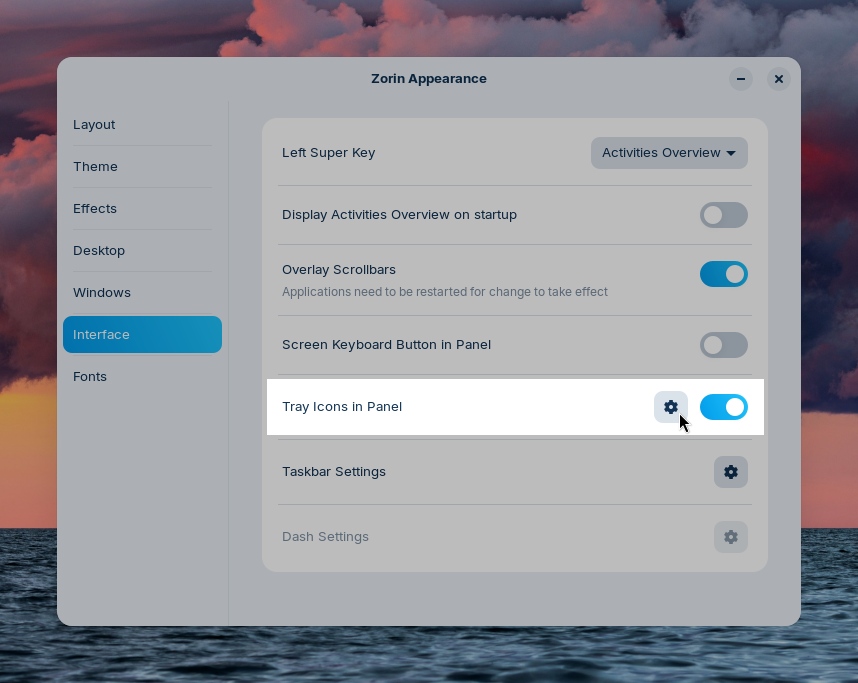
You might also notice that Zorin OS 18.1 feels a bit faster and smoother. That’s because many performance enhancements and bug fixes have been implemented throughout the desktop in this latest release.
The latest LibreOffice
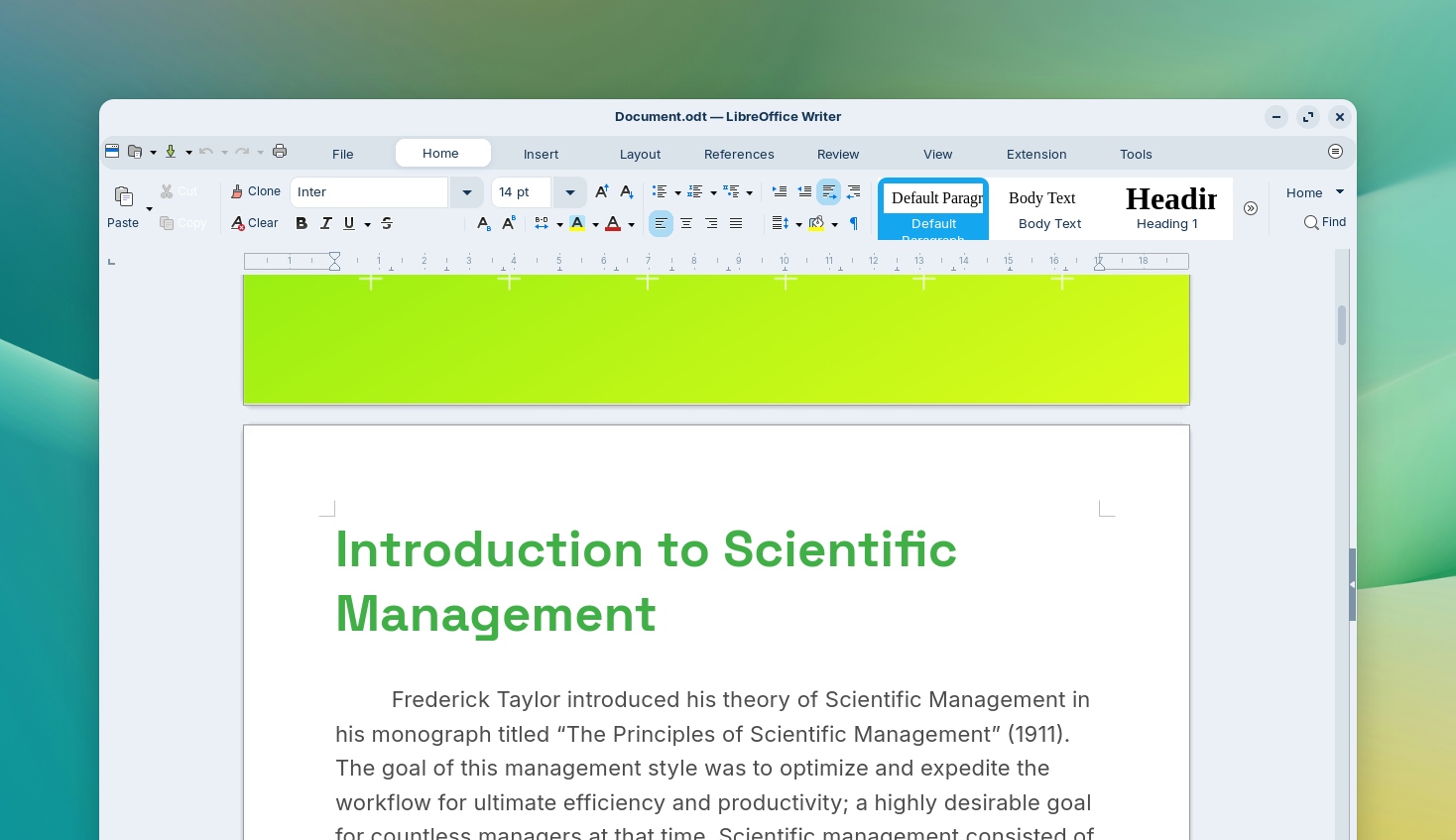
LibreOffice is one of the most essential apps in Zorin OS, and with this new release, it’s getting even better. We’ve included LibreOffice 26.2, the newest version of the award-winning office suite.
It brings even better compatibility with Microsoft Office/365 documents, Markdown support, connector shape objects in Calc and Writer, performance boosts, and many other improvements. Learn more about what’s new ›
With this upgrade, we’re further achieving our goal of making Zorin OS the best alternative to Windows for work.
Updated apps
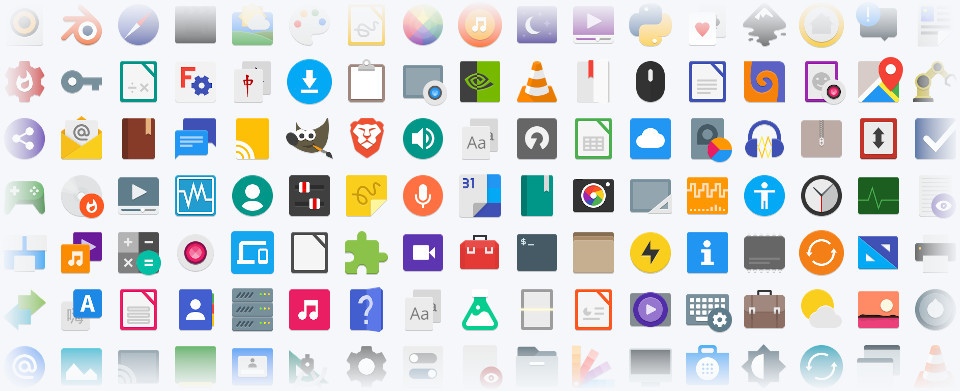
Many other pre-installed apps are updated in Zorin OS 18.1 for a more feature-rich experience out of the box. That also means you’ll need to download fewer software updates after installing Zorin OS on your computer for the first time.
Built-in support for Flatpak, AppImage, and Snap packages ensures you’ll have the latest versions of your favorite apps for years to come.
Lite edition now available
Alongside the launch of Zorin OS 18.1, we’re introducing the Lite edition to our latest release series. It’s our edition intended for old and lower-spec computers.
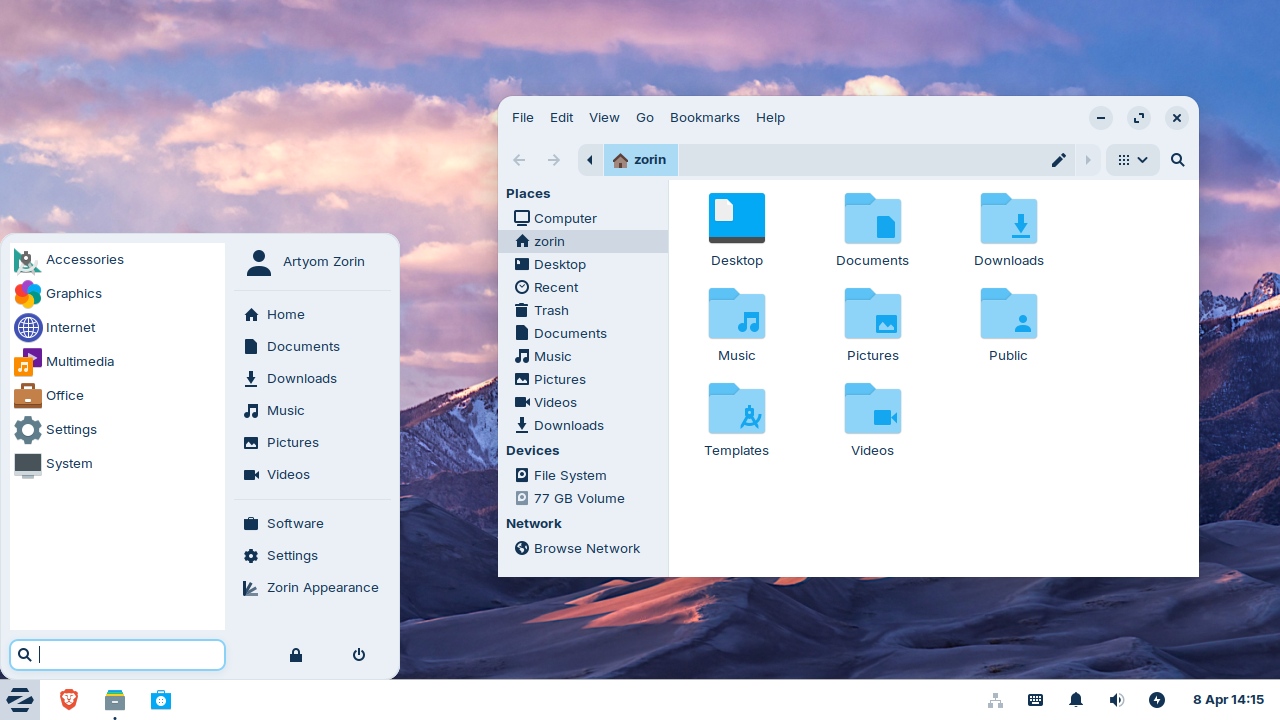
What’s new since Zorin OS 17.3 Lite:
- Based on the XFCE 4.20 desktop environment. Take advantage of the major features and improvements introduced in the newer version of the upstream desktop environment. Learn more ›
- Redesigned File Manager app. The default interface has been streamlined to display its most useful features in a more sleek and compact way, making it better for smaller displays.
- Fingerprint reader support. If your computer has a fingerprint reader, you can now enroll your fingerprints for authentication using the new “Fingerprints” section in the Settings app.
- Updated desktop themes. The default theme has been tastefully refreshed with a more rounded appearance, giving it a sleek and inviting feel. Selected elements make use of a lighter colour palette, while backgrounds and sidebars have an increased tint, making it more comfortable on the eyes. You can also select from two new theme colours in Zorin Appearance: Yellow and Brown.
- Seamless integration with Web Apps. Turn any website into a desktop app through an easily accessible interface. Your web apps will appear in the start menu and can be used just like native applications. Learn more ›
Better security and hardware compatibility
Many built-in system technologies have received improvements for better security, compatibility, and performance.
Zorin OS 18.1 is now powered by the Linux kernel 6.17, the same version as in the latest Ubuntu 25.10. It comes with updated drivers to bring even better support for a wider range of hardware, such as:
- NVIDIA graphics cards
- Intel Xe3 graphics
- AMD hybrid laptop GPUs
- Lenovo ThinkPad and Samsung Galaxy Book laptops
- Apple input devices, such as the Magic Mouse 2 and Touch Bar on Intel-based MacBooks Pros
- Game controllers, including PlayStation 5 DualSense, Acer Nitro NGR200, and Turtle Beach Recon
- Gaming handheld computers, including ASUS ROG Ally, Lenovo Legion Go, and OneXPlayer
The latest security patches are also pre-installed throughout the system. That means you can have peace of mind knowing you’re using the most secure version of Zorin OS ever.
Zorin OS 18.1 will continue to get support with software updates and security patches until June 2029. This makes it the perfect choice for large-scale deployments in businesses, schools, and organisations, where long-term support is vital.
How to get Zorin OS 18.1
Upgrade
- If you’re using Zorin OS 18. You can upgrade to Zorin OS 18.1 by installing the latest updates from the Software Updater today.
- If you’re using Zorin OS 17. You can directly upgrade to Zorin OS 18.1 without erasing your files and data. To do so, view our upgrade guide ›
Download
All editions of Zorin OS 18.1 are now available from our website.
If you’ve already purchased Zorin OS 18 Pro, you can download a new copy of Zorin OS 18.1 Pro from the download link in your original purchase email. If you lost access to this email, you can resend it here.
Buy a computer
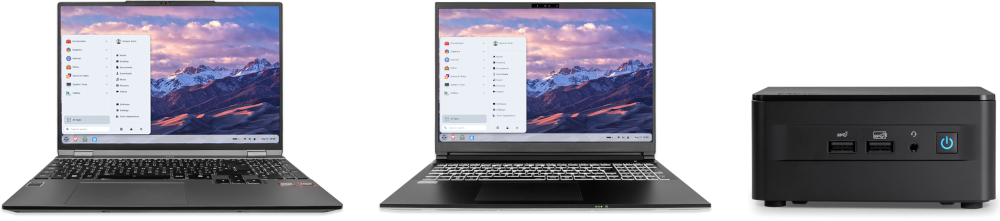
Are you thinking of getting a new computer? Buy a laptop or desktop with Zorin OS 18.1 pre-installed from our computer brand partners who help contribute to the Zorin OS project.
Browse computers with Zorin OS
Zorin Blog
See the latest news and updates from Zorin.
Read other articles